You can unlock paid episodes with Lemoon Coins in the LEMOON mobile app for iOS or Android. Sign in to the account where you want the episode to remain available before you continue.
Unlock a paid episode
- Open the series you want to read in the LEMOON mobile app.
- Find the locked episode and review the Coin amount shown beside it.
- Select the episode to open Unlock Episode.
- Review the episode and its displayed Coin amount. If you reached the episode while reading, the prompt may say Unlock next episode instead.
- Select Unlock with coins. After the unlock succeeds, the displayed amount is deducted from your balance and the episode opens.
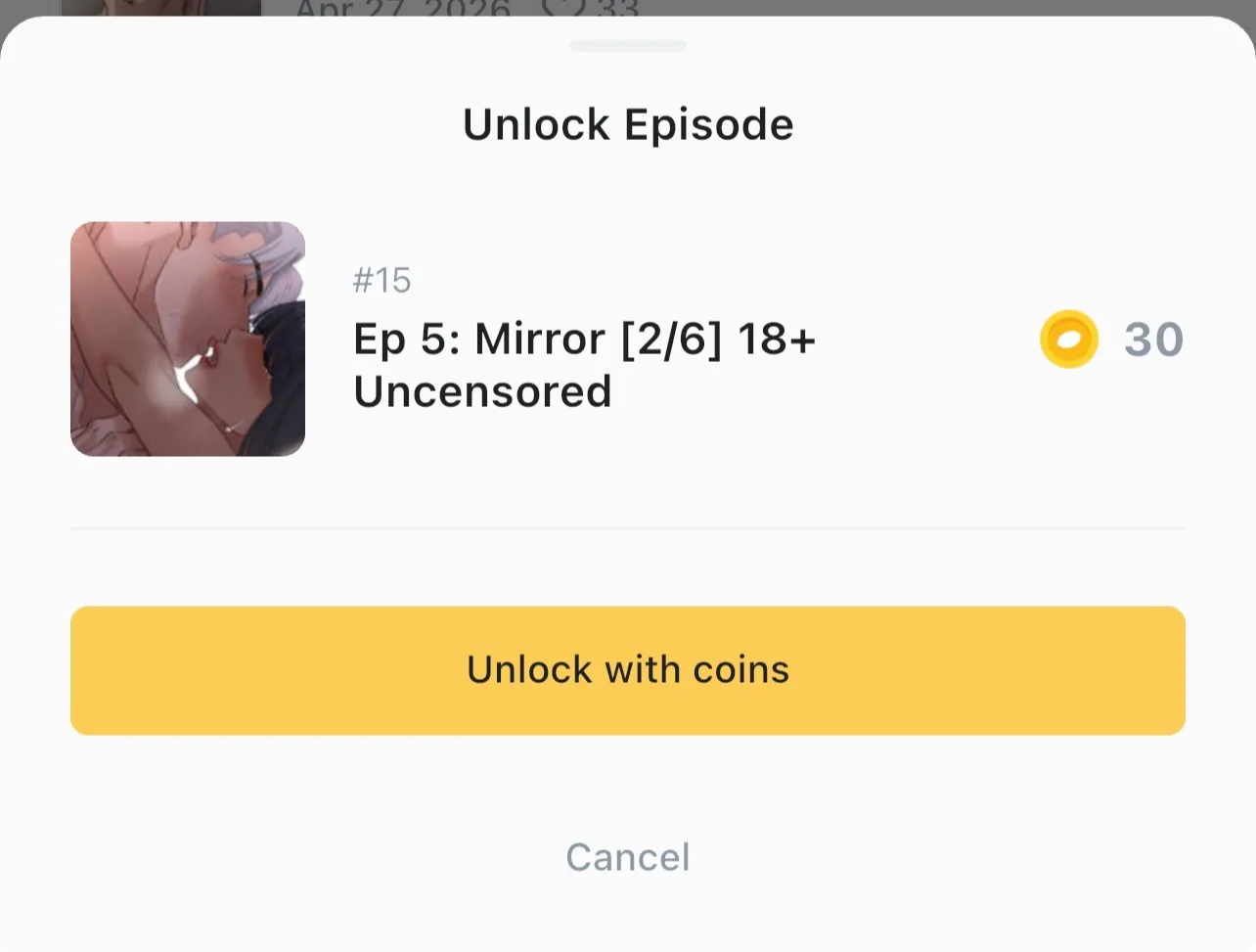
If you don’t have enough Coins, Unlock with coins opens the shop. See How do I purchase Lemoon Coins? for more details.
How long is the episode unlocked?
The episode remains available from the same account with no time limit and without another Coin deduction. Open it again from the series page when you want to continue reading.
If the episode does not unlock
If you see Failed to unlock episode. Please try again., check whether Coins were deducted before trying again. If they were not, follow the prompt and try again. If Coins were deducted or the episode remains unavailable, contact LEMOON Support.