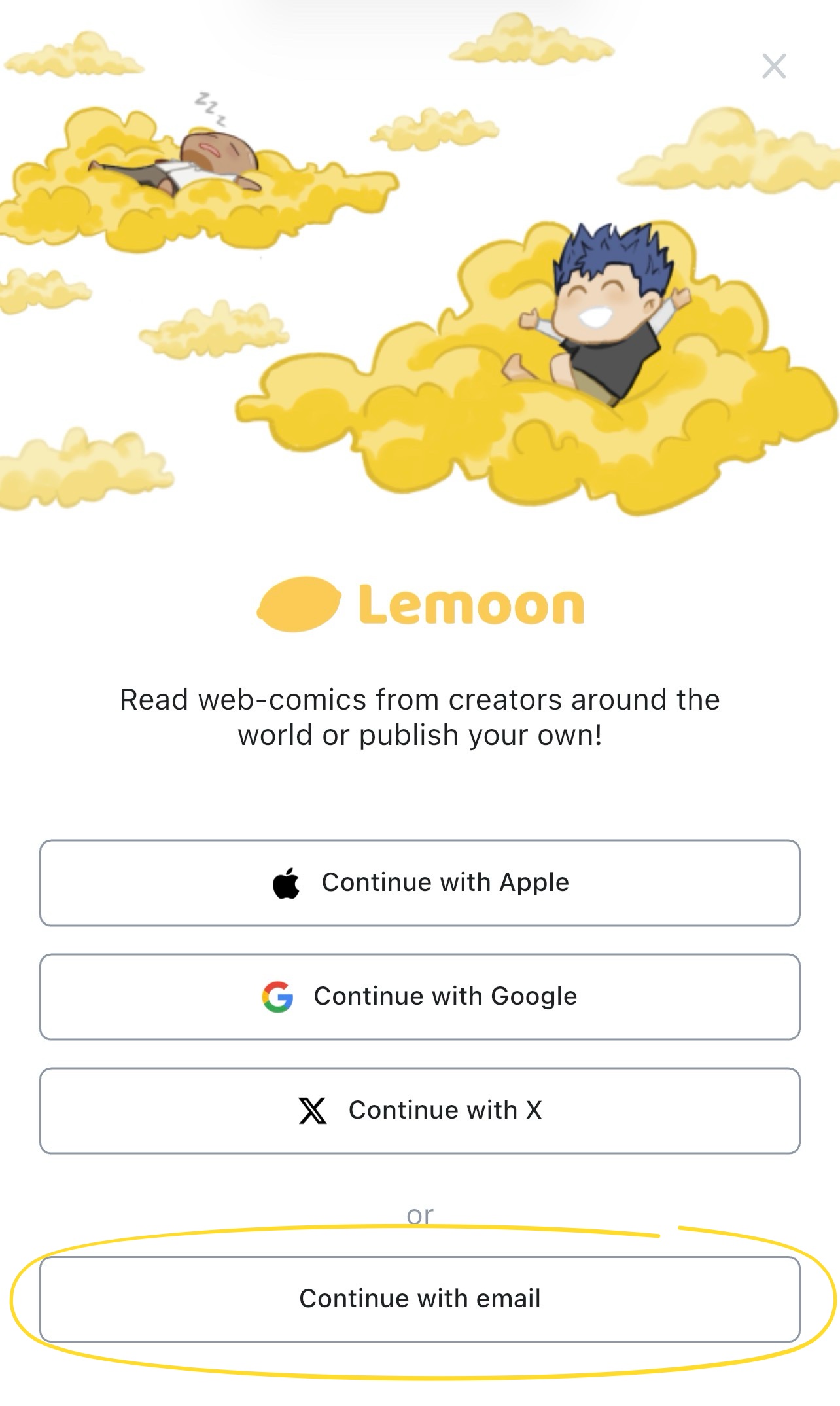
You can create a free LEMOON account on the web or in the LEMOON mobile app with your email address or one of the sign-in options displayed, such as Apple, Google, or X.
Before you create an account
You must be at least 13 years old, or meet any higher minimum age required in your country.
Available sign-in options can change. If your preferred option is not displayed, use email instead.
Create an account on the web
Start from the LEMOON homepage.
Use social login
- Click the Login button in the header.
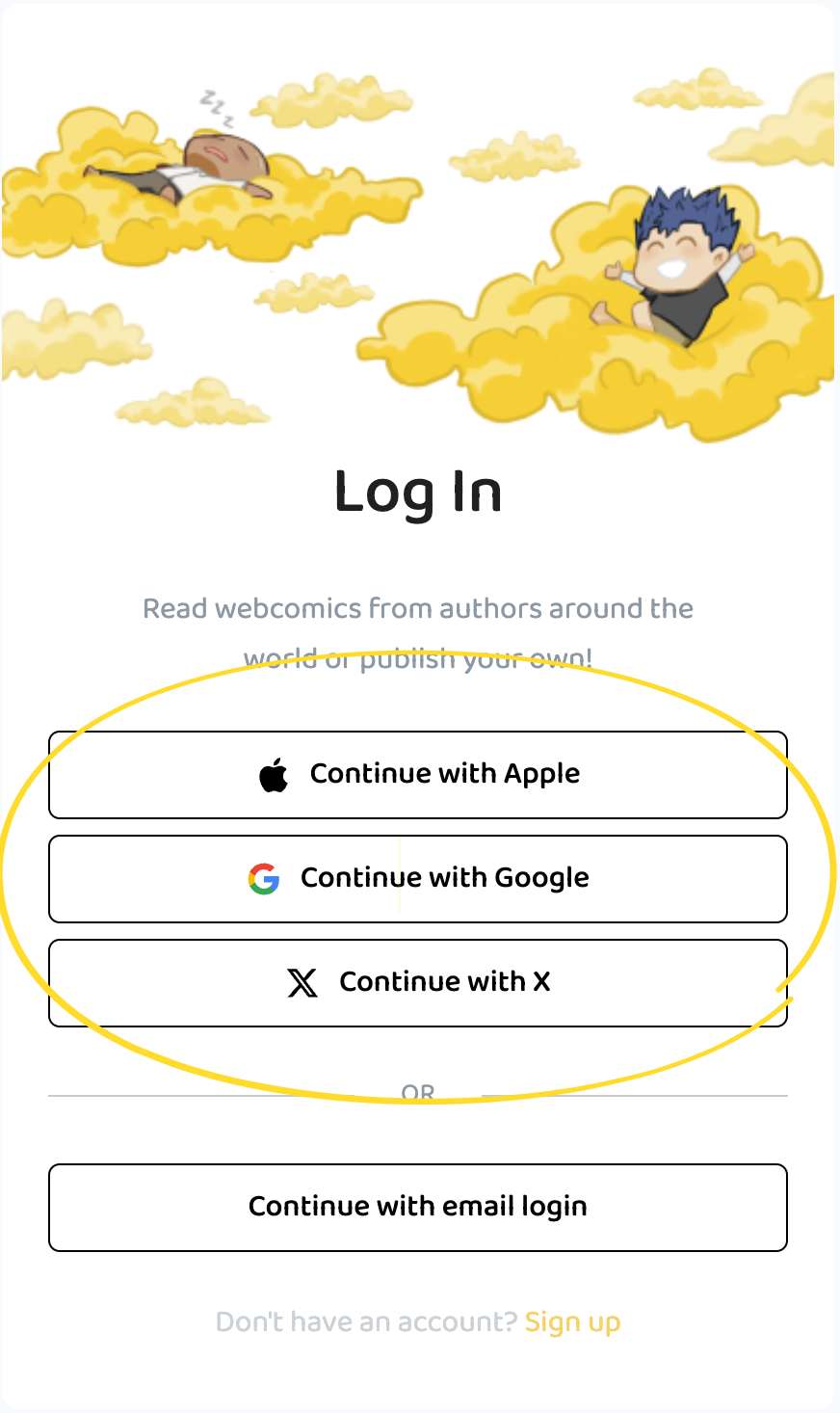
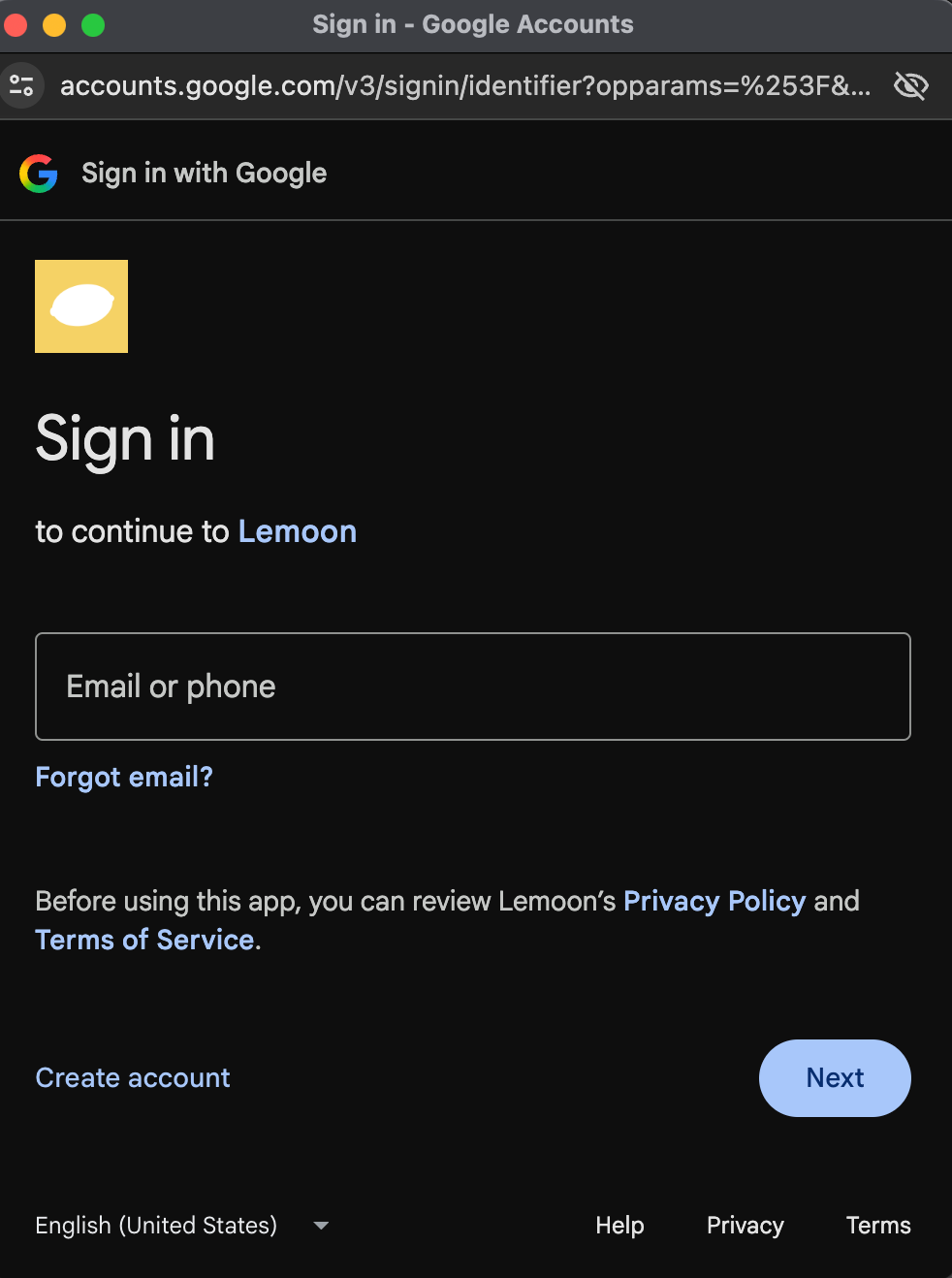
- On the login page, select Continue with Apple, Google, or X
- Follow the instructions from your chosen platform. If no LEMOON account is associated with it, it’ll create one otherwise it’ll sign you in.
Use email
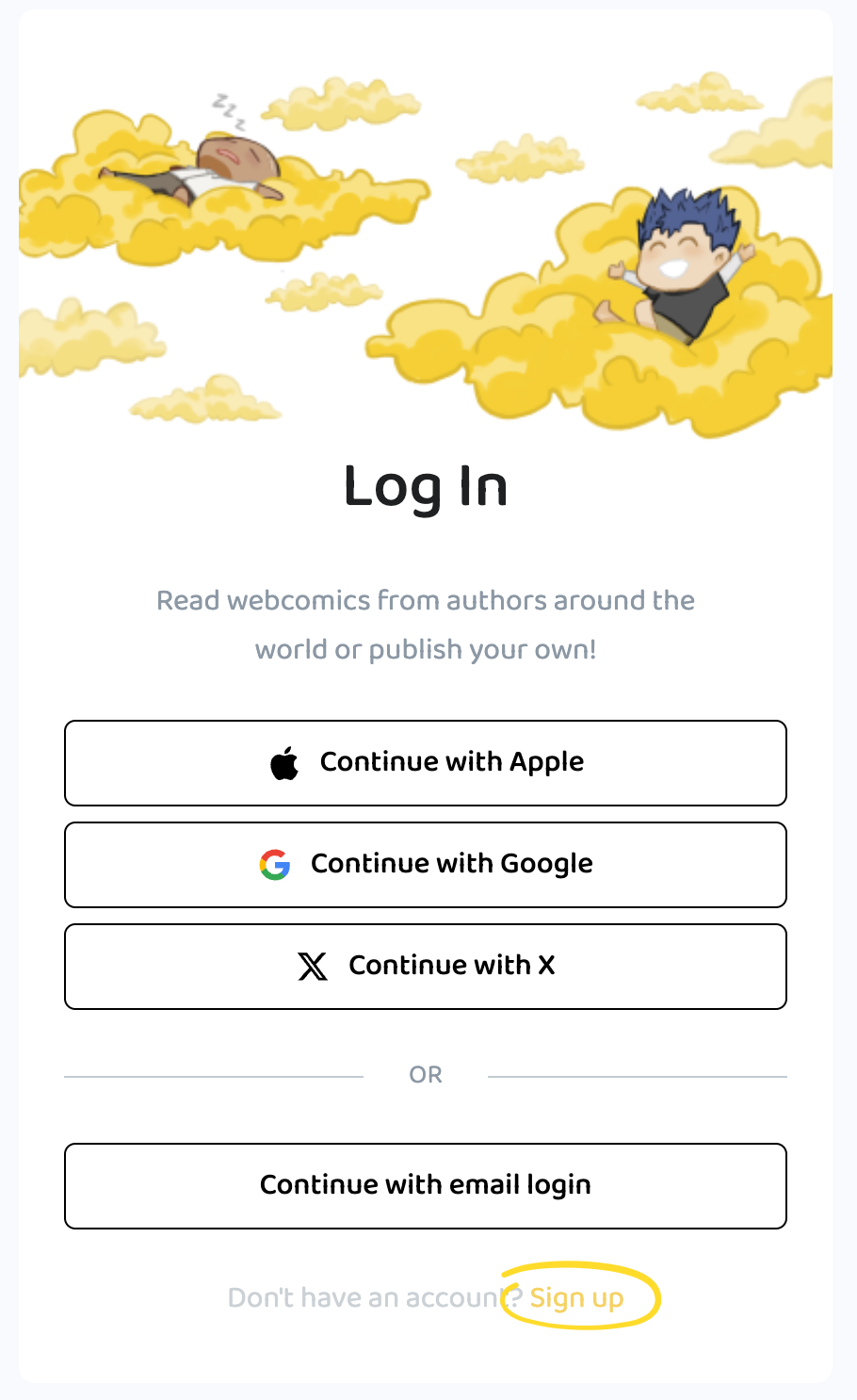
- Click the Login button in the header.
- Select Sign up.
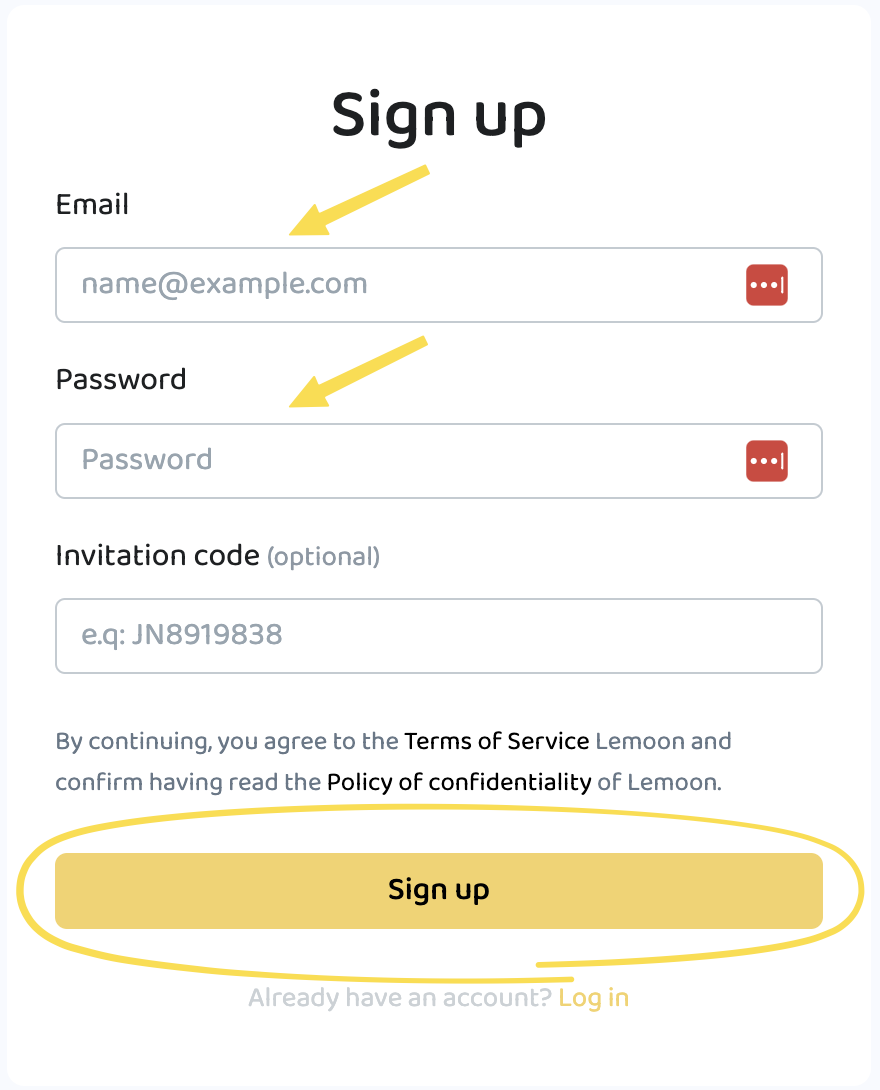
- Enter your email address in Email.
- Enter a password in Password.
- You can enter your Invitation code if you have one.
- Click on Sign up. After your account is created, you are signed in.
Create an account in the mobile app
These steps are the same on iOS and Android.
Use social login
- Open the LEMOON mobile app.
- If prompted, review the terms and privacy information, then select Agree and continue.
- Select Account in the bottom navigation.
- Select Login.
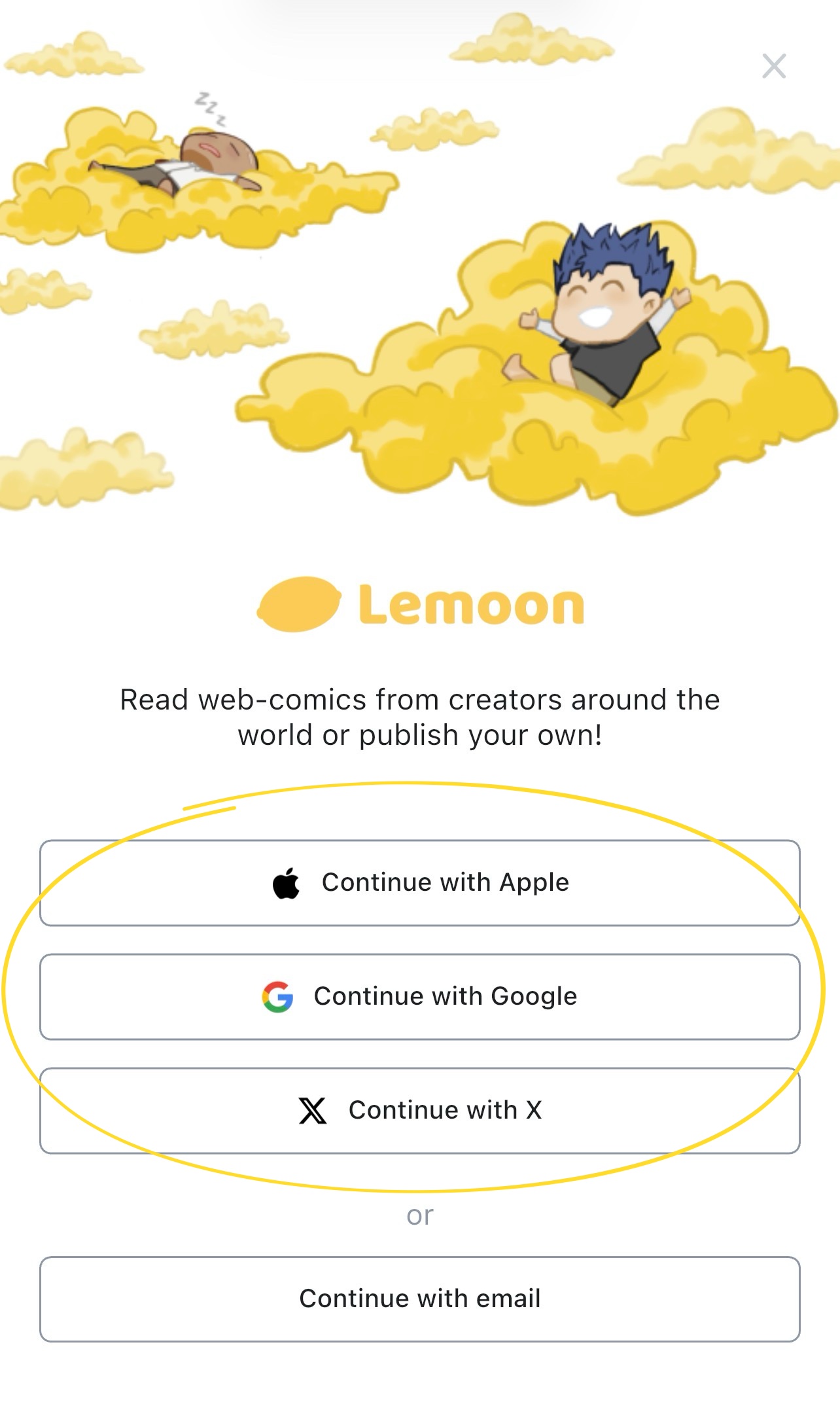
- Select Continue with Apple, Google, or X
- Follow the instructions from your chosen provider. If no LEMOON account is associated with it, it’ll create one otherwise it’ll sign you in.
- complete de onboarding.
Use email
- Open the LEMOON mobile app.
- If prompted, review the terms and privacy information, then select Agree and continue.
- Select Account in the bottom navigation.
- Select Login.
- Select Continue with email.
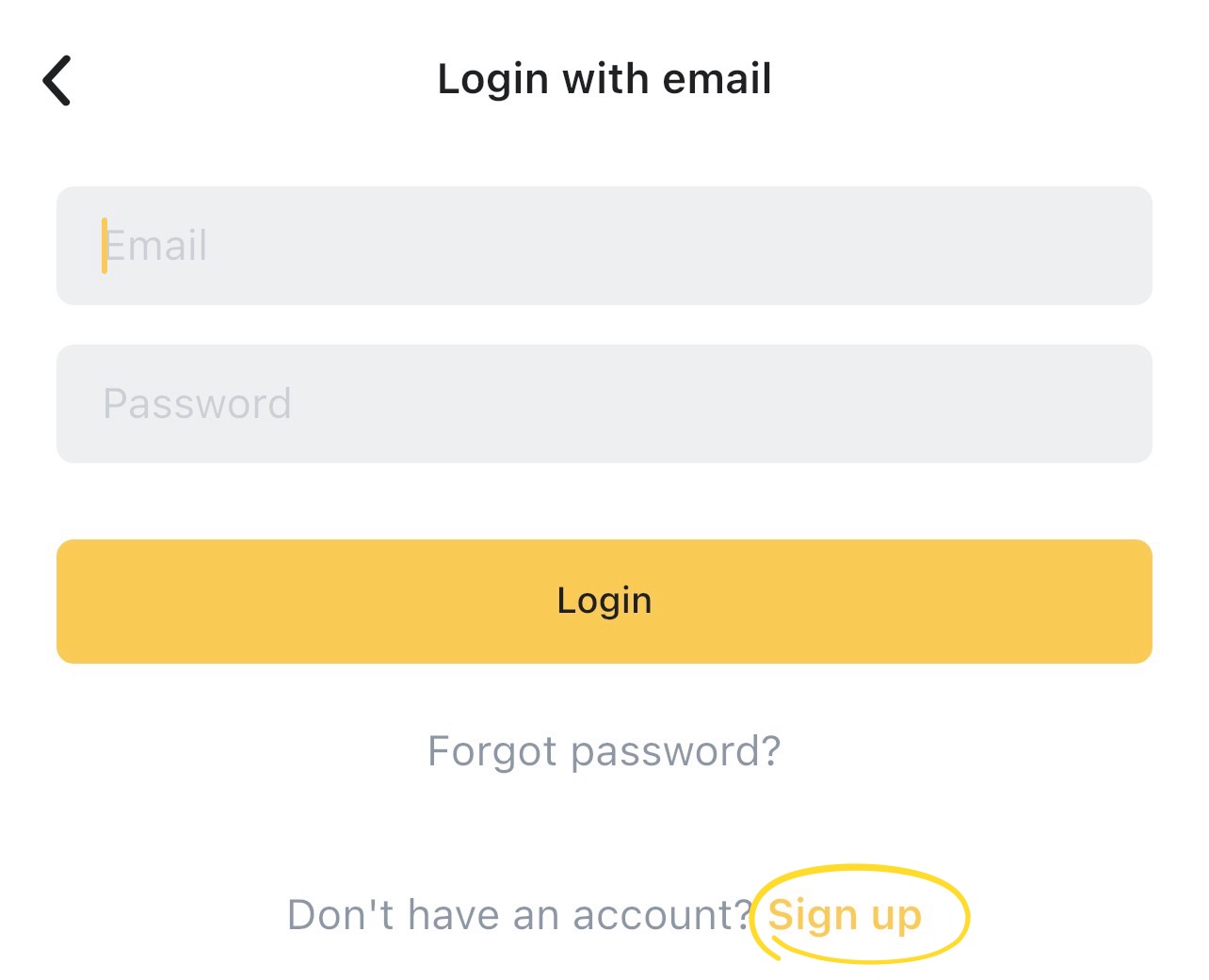
- On Login with email, select Sign up.
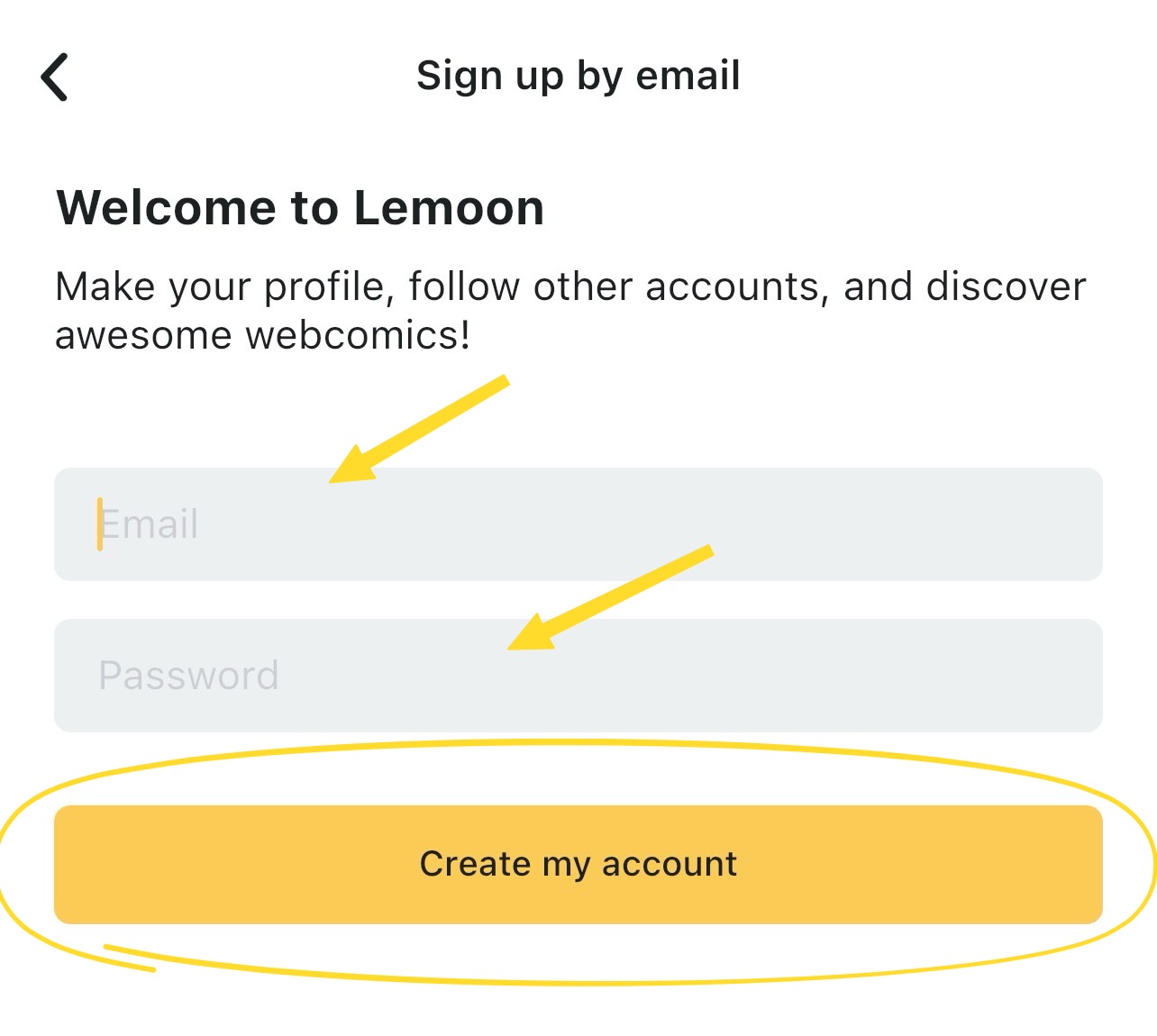
- Enter your email address in Email.
- Enter a password in Password.
- Select Create my account. After your account is created, you are signed.
- complete de onboarding.